An iPhone app · iOS 17+

The simplest way to remember every painting you've stood in front of.

Mark a museum visit in one pass. Build a life-list of masterworks. Share a stat card you'd actually post.

Opens your email app.

Pre-launch · TestFlight invites later this season

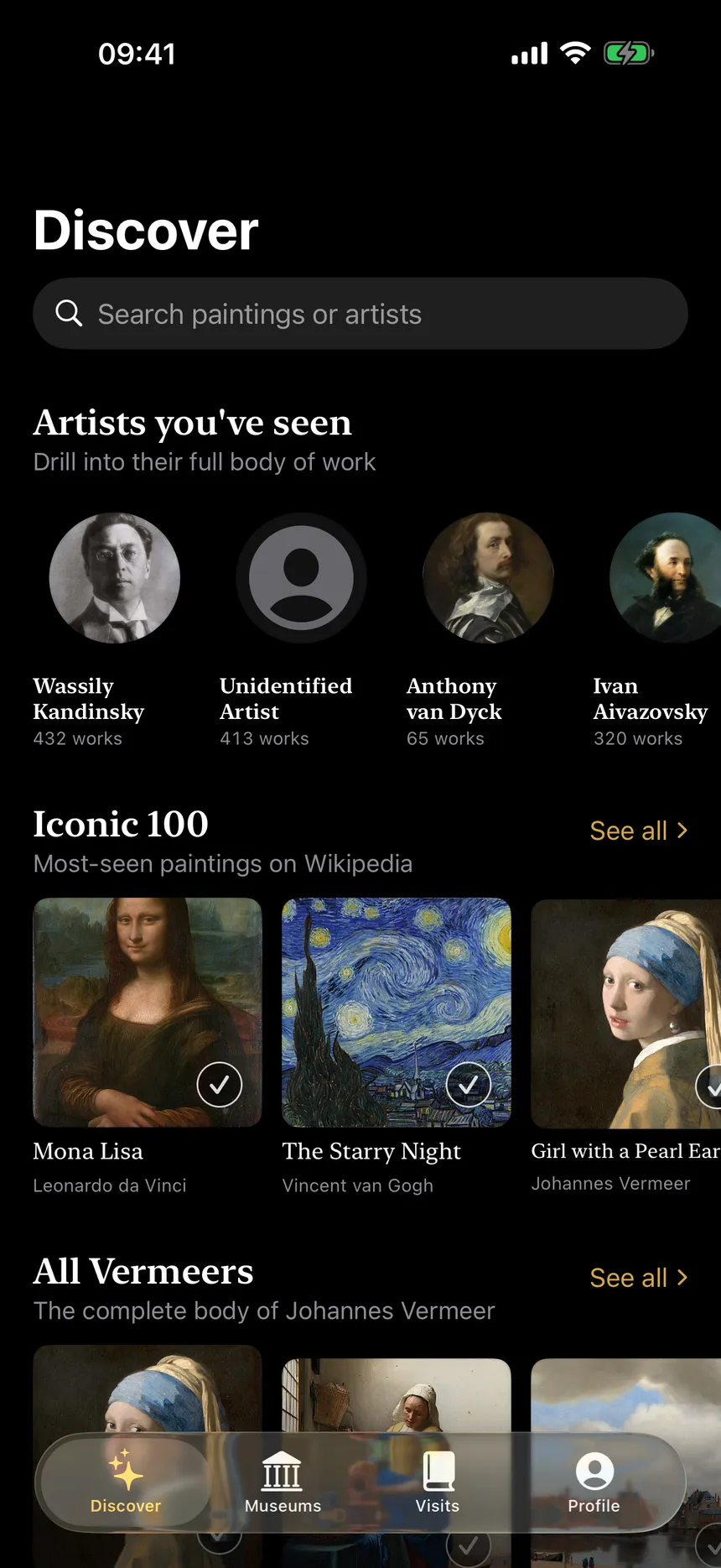
Seen app — Discover screen showing curated lists of paintings by museum

You're at the Louvre. You want to remember the rooms full of Vermeers, the Caravaggios you stood in front of, the Rothko that made you stop walking. By the time you get home, half of them are gone.

Seen is the app that fixes that.

How it works

Seen app — Discover screen showing museum painting lists sorted by institution

Discover

Curated lists by museum

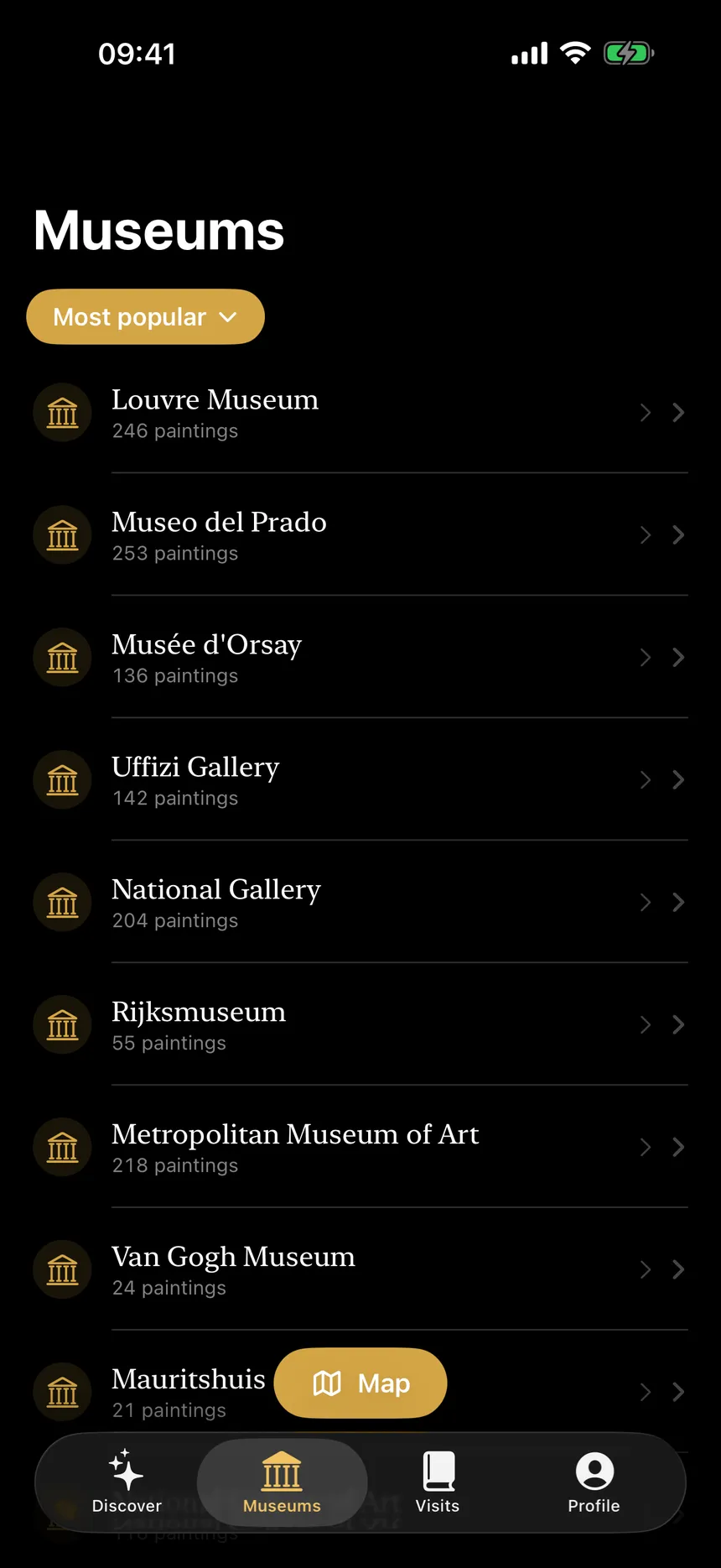
Seen app — Museums list showing nearby institutions with painting counts

Mark

Tap-mark in one pass

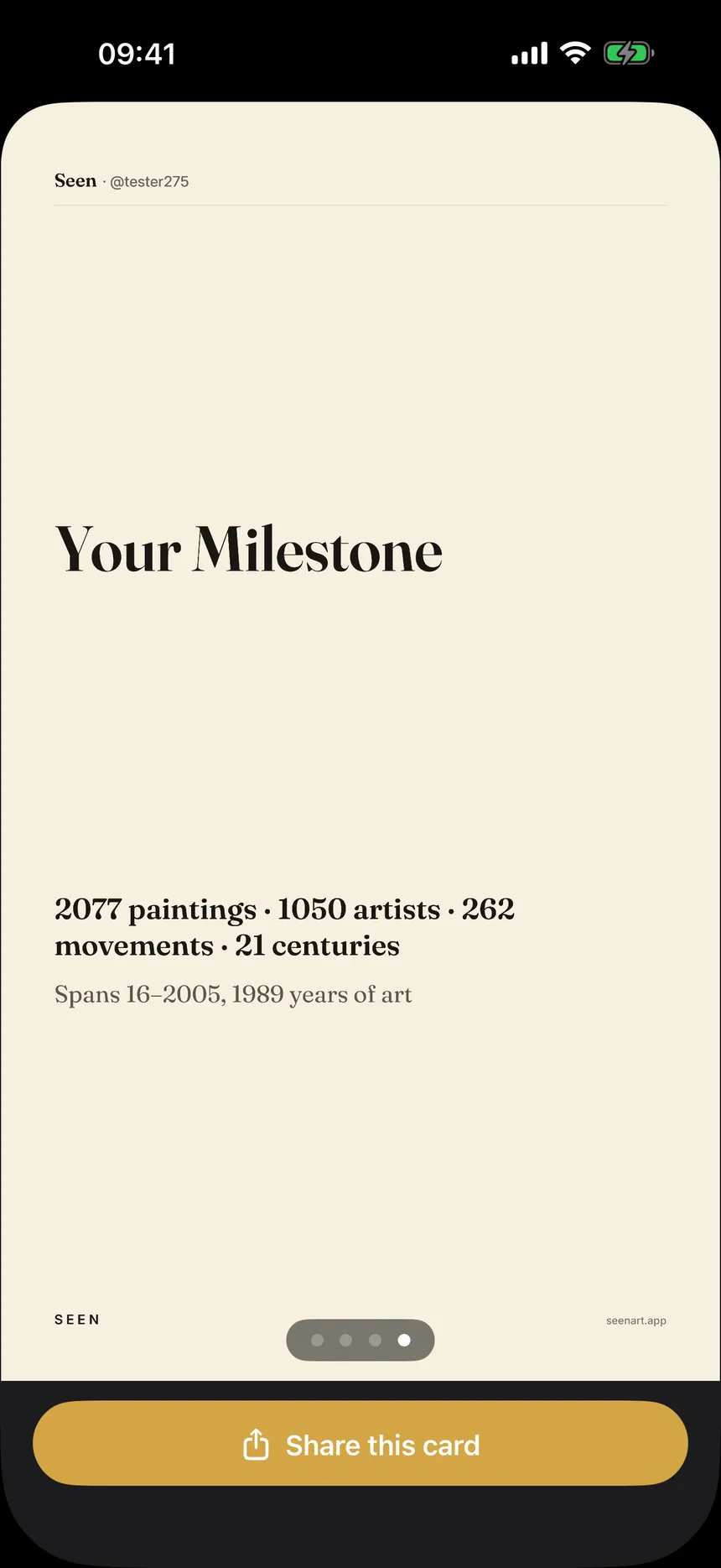
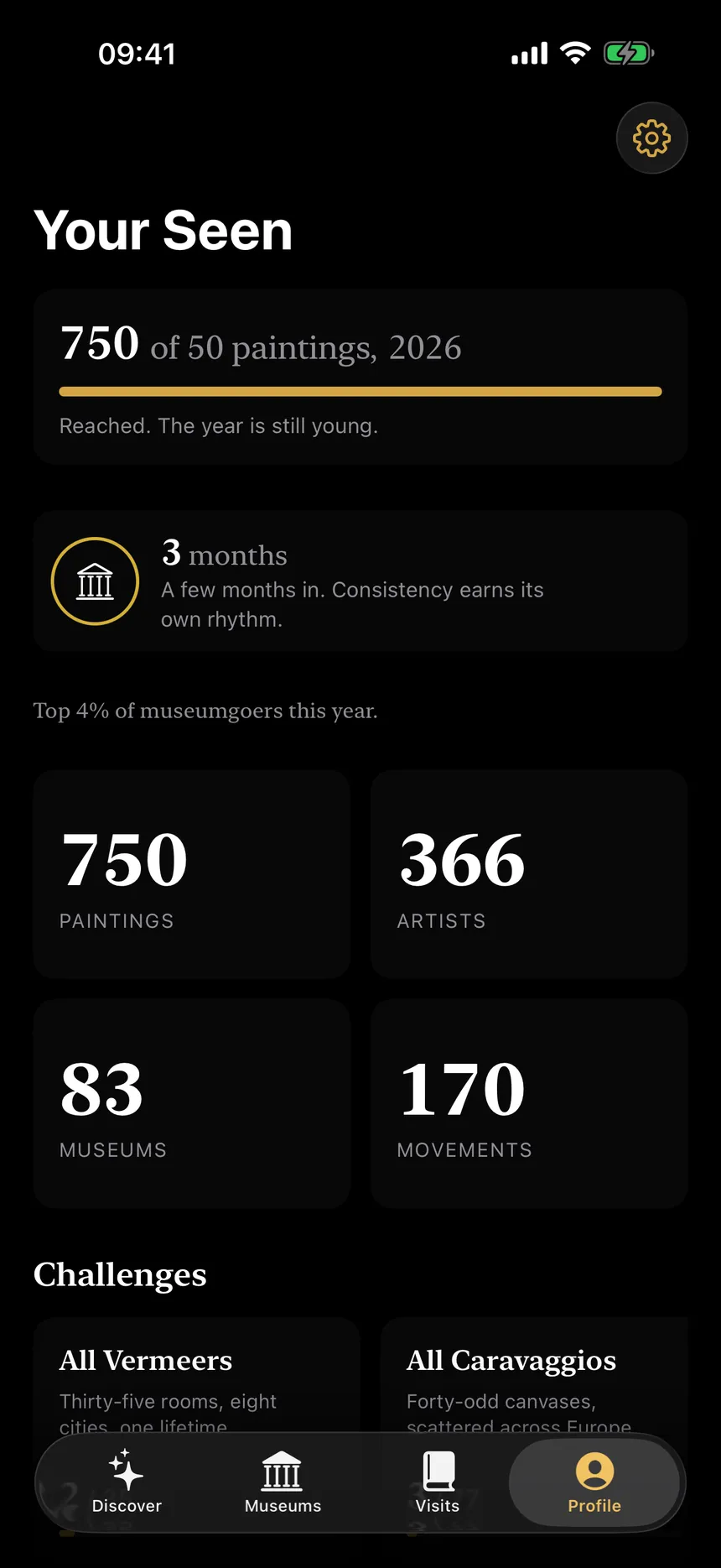
Seen app — Profile stats card ready to share to Instagram Stories

Share

Editorial card for IG Stories

29,000 paintings, sorted by museum

A bundled catalog of canonical works from Wikidata, the Met, the Art Institute of Chicago, and the Rijksmuseum — all CC0 metadata, all public-domain images. From the Mona Lisa to the Bauhaus, organised so you can find what you saw without scrolling for an hour.

A full Louvre visit, logged in under a minute

Tap “Near me” and pick the museum you're standing in. Swipe through that museum's painting list — hundreds, not thousands — and mark the ones you saw. Optimistic UI, haptic feedback, no dialogs interrupting the flow. Your visit lives in your phone before you reach the gift shop.

A share card you'd actually post

Open Profile, tap “Generate share card.” A 9:16 image renders on-device — your numbers laid out in editorial serif typography, ready for Instagram Stories. No emoji, no garish gradients, no template look. Just the shape of what you've seen.

What's not in Seen

  • No ratings. Rating the Mona Lisa feels absurd. Binary “seen” and “favorite” only.
  • No social graph. v1 is a private life-list. Share the export card, not friends lists.
  • No scanner. Smartify already owns that. Seen is for the quiet moment after the visit.
  • No accounts. No sign-up, no login. Your data lives only on your iPhone.
  • No tracking. Zero analytics, zero third-party SDKs. Your location is read once, when you tap “Near me,” and never leaves the device.

Walk in. Swipe. Share.

Coming soon to the App Store.

Opens your email app.